Color Collision
Check if a pixel on the screen matches a specific color.
ColorCollision Function
p8.ColorCollision(x, y, colorIndex) bool
Returns true if the pixel at (x, y) is the specified color.
Parameters
| Parameter | Type | Description |
|---|---|---|
| x | Number | Screen X coordinate |
| y | Number | Screen Y coordinate |
| colorIndex | int | Color to check (0-15) |
Example
func (g *game) Update() {
    newX := g.playerX + g.dx

    // Check if player would hit a wall (color 3)
    if p8.ColorCollision(newX, g.playerY, 3) {
        // Don't move
        return
    }

    g.playerX = newX
}
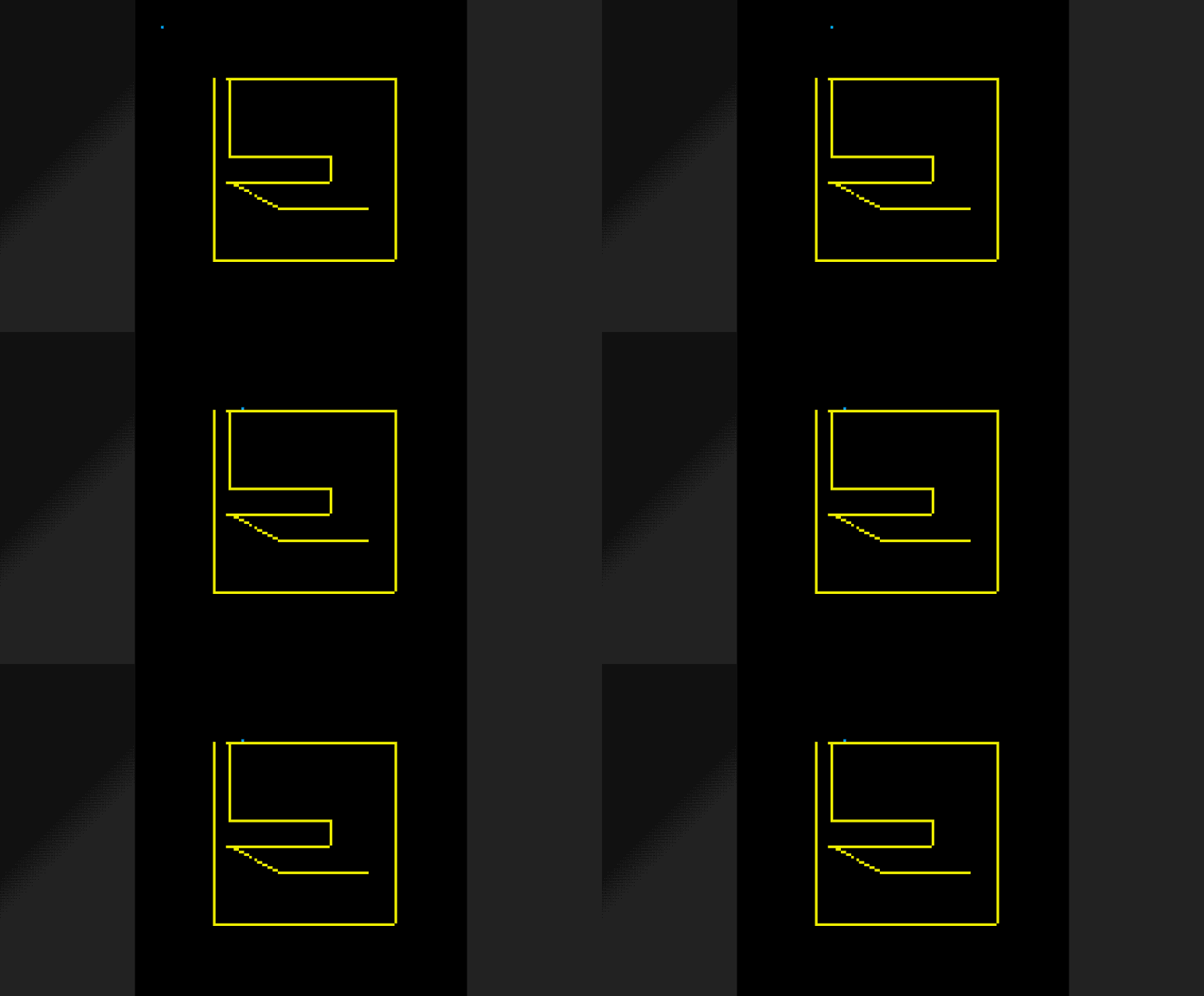
How It Works
- All objects are drawn to the screen
ColorCollisionreads the pixel color usingPget- Returns true if it matches the target color
Use Cases
- Simple platformer collision (walls are a specific color)
- Trigger zones (invisible areas using specific colors)
- Art-based collision shapes
Limitations
- Must draw before checking collision
- Only works with screen pixels (affected by camera)
- Single-pixel checks need multiple calls for bounding boxes
Full Bounding Box Check
func hitWall(x, y, w, h float64, wallColor int) bool {
    // Check corners and edges
    return p8.ColorCollision(x, y, wallColor) ||
           p8.ColorCollision(x+w, y, wallColor) ||
           p8.ColorCollision(x, y+h, wallColor) ||
           p8.ColorCollision(x+w, y+h, wallColor)
}